- Home
walk
Going For A Walk
Starting and stopping a walk
- Start a walk
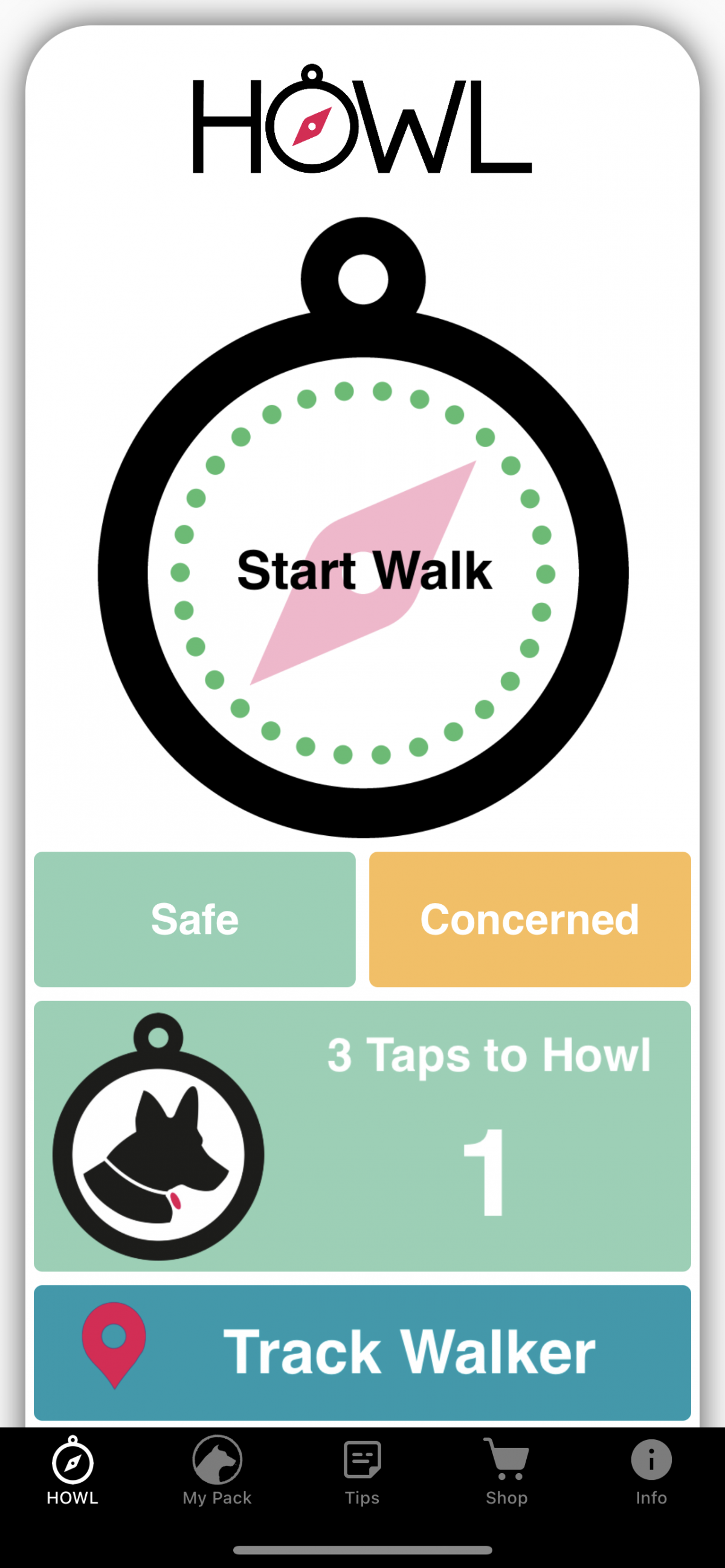
Open HOWL and tap Start Walk.
If you have more than one emergency contact you’ll
be asked to choose which person you want to monitor you.
- Send a link to your contact
HOWL will create a unique link for each walk,
which you’ll send to your chosen contact via WhatsApp or iMessage. Once you end your walk, the link will expire
so you’ll need a new one for your next walk.
- Contact clicks the link
Your contact must click on the link they receive
in order to “agree” to follow you. They
won’t receive any notifications if they don’t follow the link each time. The link will take them into HOWL and they
can monitor you via Track Walker. They can
choose to monitor via the Walker Status or Walker Map. - Stopping the walk
When you arrive safely at your destination, tap
Stop Walk. That will end your session
and send a notification to your contact that your walk has ended.