Status updates
Safe, Concerned, and HOWLing for help
HOWL operates by making you more alert to the possibility of dog theft. If you're aware, you'll likely be more vigilant.
- Monitor
The home screen of HOWL allows you to send an update to your emergency contact. - Concerned
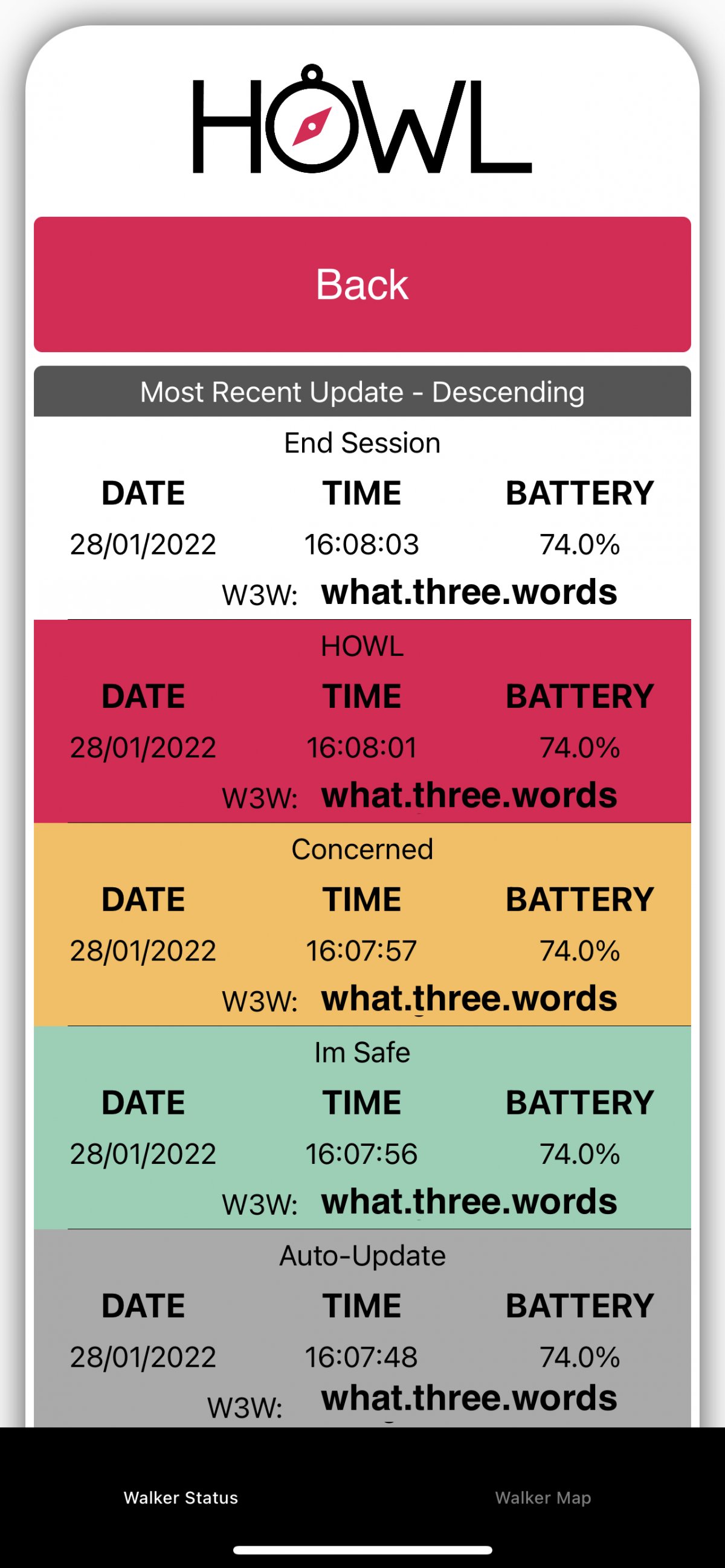
You might spot a situation that makes you feel uncomfortable. Tap Concerned to notify your contact. If your contact has the Track Walker screen open, they'll see a visual change to the tracking feed, like in the example on this page. If they don't have HOWL open, a push notification will let them know. - Safe
If the concern passes you can let your contact know by pressing Safe. This operates in the same way as Concerned, and will send a notification to your contact. - HOWL for help
At any time during a live walk, tap the HOWL button three times in succession to activate a HOWL for help. If you've chosen a siren, an audible alert will sound, and your iPhone's video camera will start recording. Try to capture evidence of the offender(s) and any vehicle involved, but DO NOT put yourself or your dog(s) in danger. A notification will be sent to your emergency contact, and the date, time and What 3 Words location will be recorded.